Re-Render
Re-render an architectural draft in the browser while guiding the visual direction and image fidelity.
Start in your browser. No sign-up required for three guest renders each day.
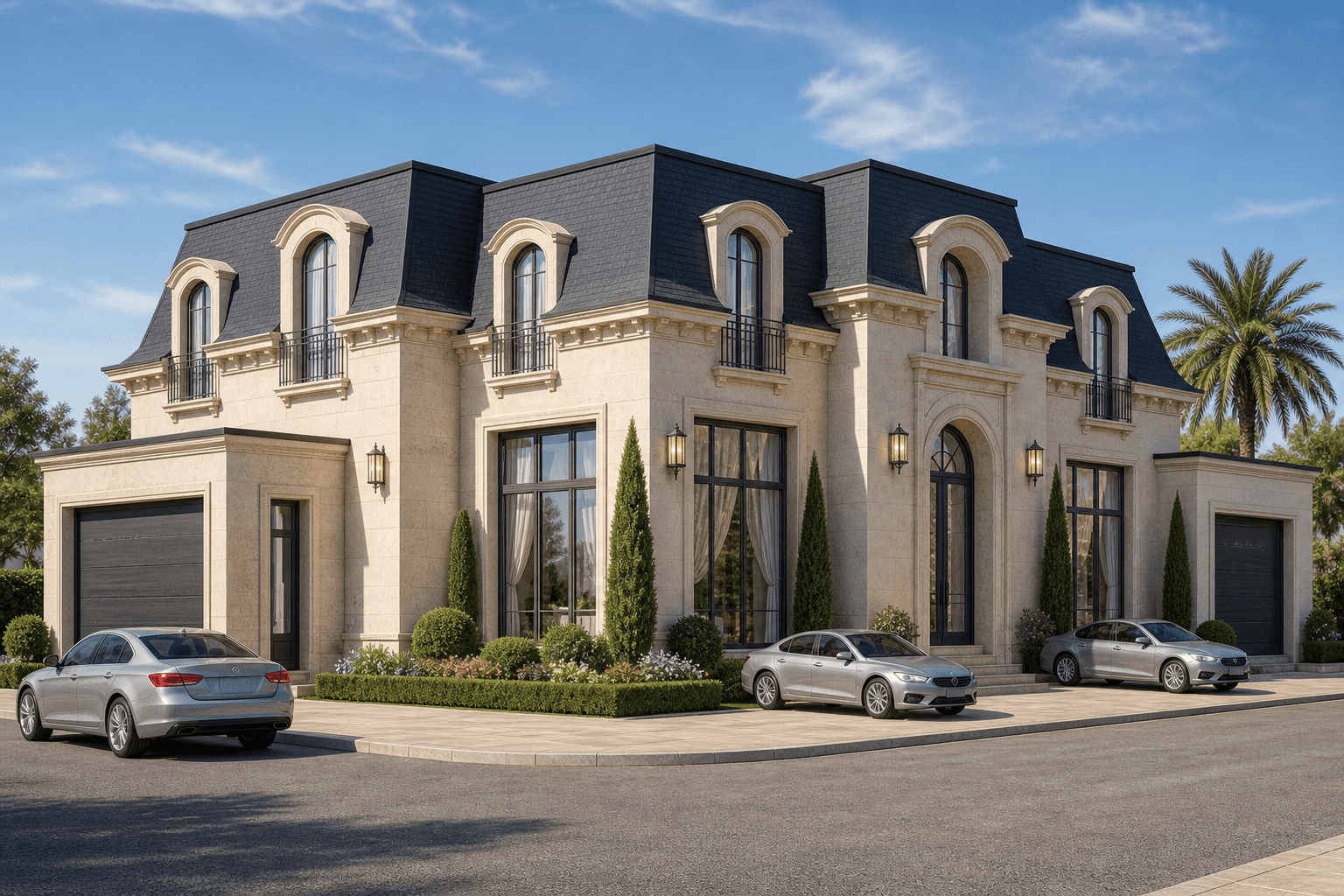
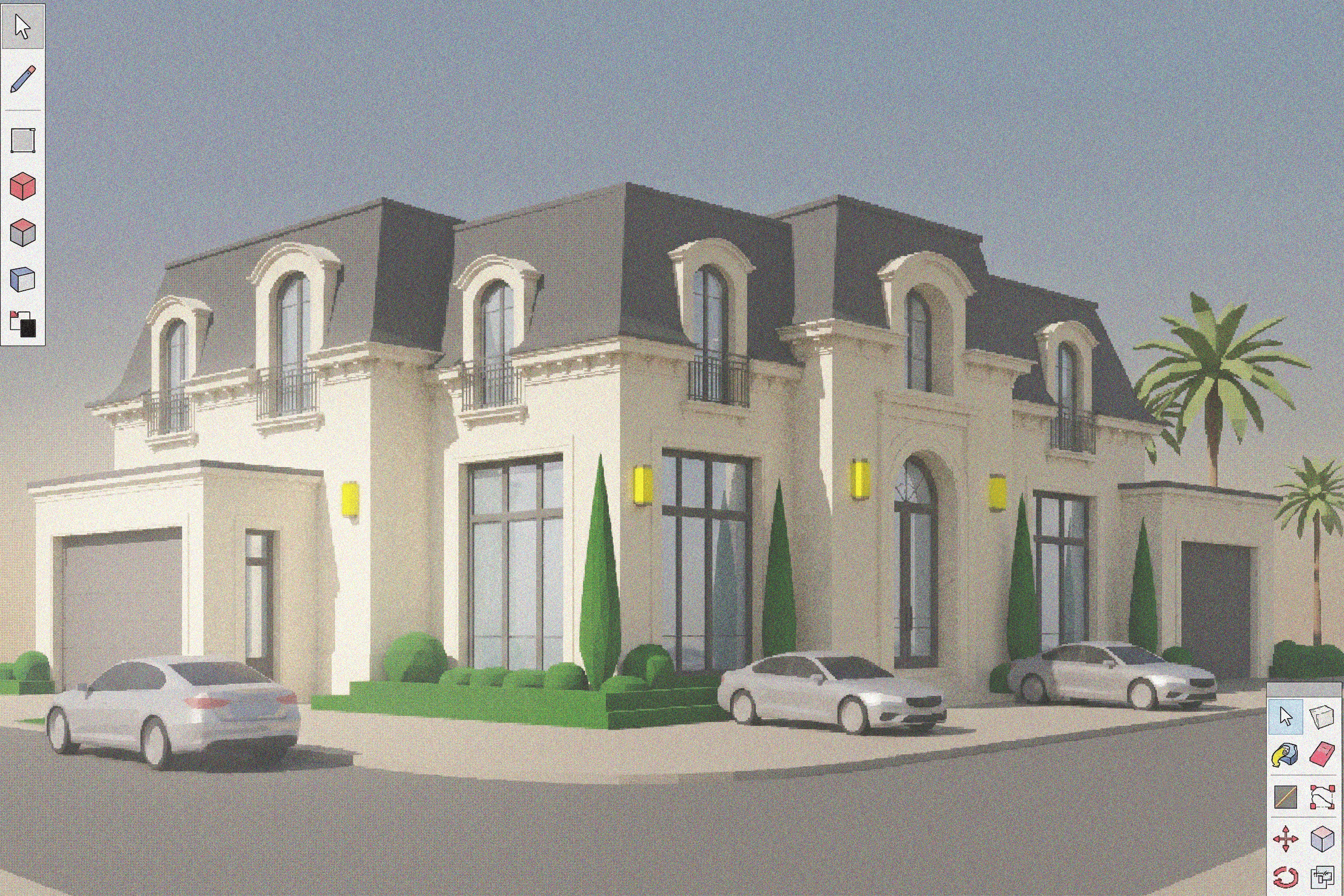
Example results are illustrative; your output depends on the image and settings you choose.
Re-render an architectural draft
Use Re-Render to explore a more polished visual direction from an existing viewport, sketch, or draft render. The workflow generates a new image from your input; it does not edit the original project file.
What to prepare
Start with a clear image that shows the building and the parts you want to preserve. In the browser workspace, open Re-Render, choose a style, upload the image, and adjust the available fidelity and instruction controls before processing.
Compare carefully
Review massing, windows, floor levels, and materials against the source image. A generated result can alter details, so keep the source close and verify design decisions before sharing the image as project documentation.
Explore Sketch to Render, Re-Style, and Material Swap.
Try Re-Render in your browser
Open the matching workflow in Toscape and start with three free guest renders each day. No installation or sign-up is required.