✦
Standard RenderSurroundings
Enhance designs with realistic backdrops, boosting client engagement instantly.
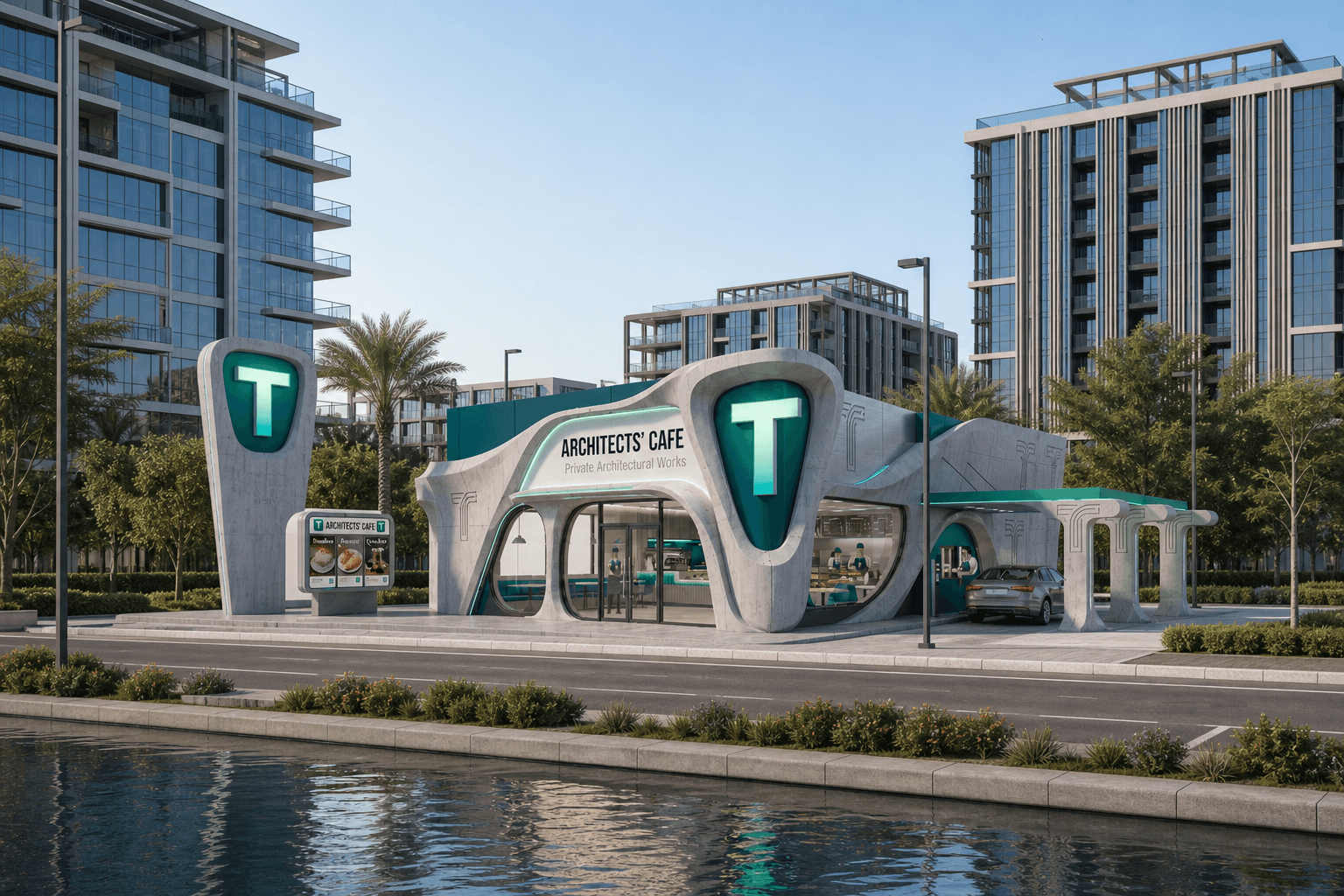
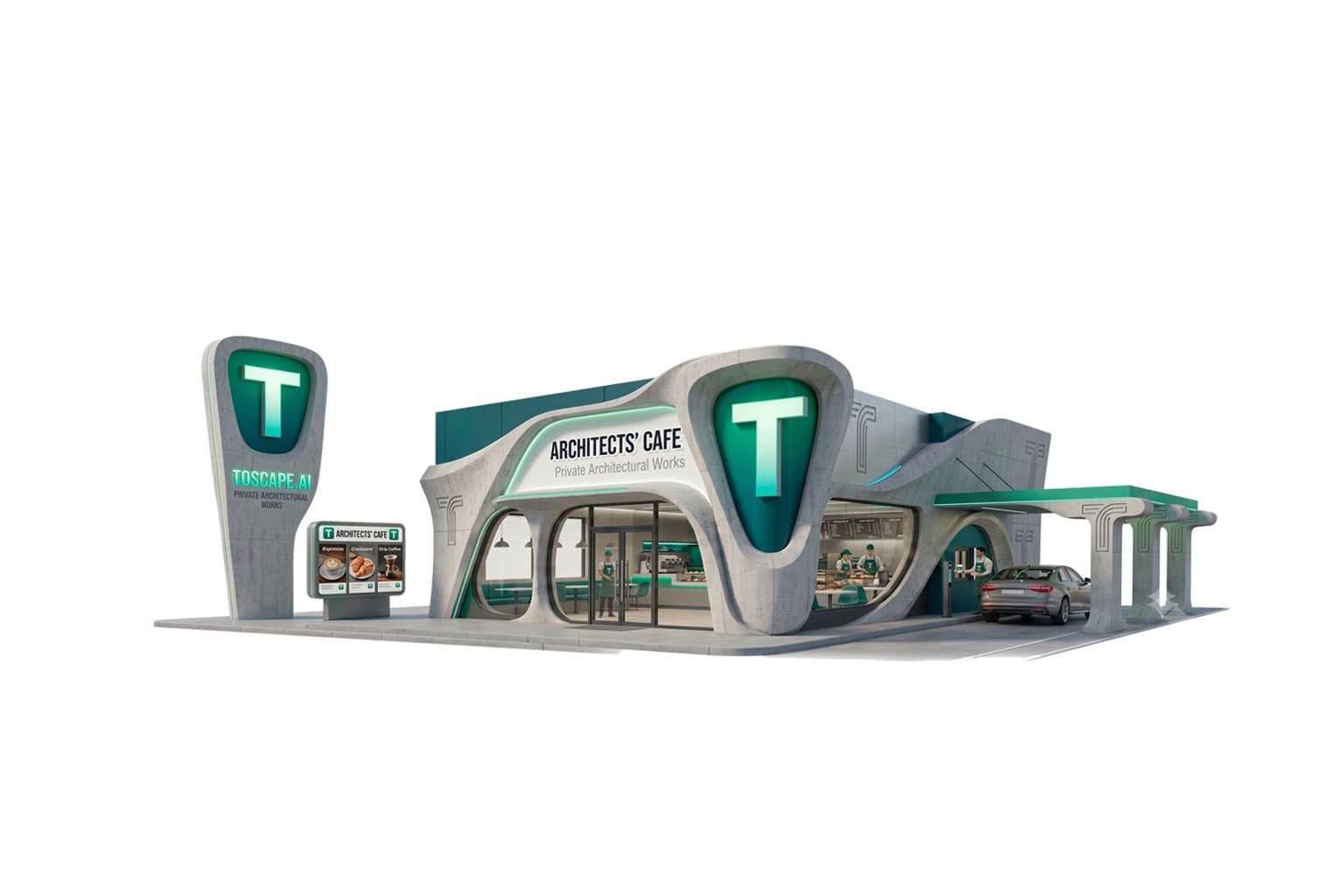
BeforeAfter
What it does
The 'Surroundings' feature in Toscape AI allows architects and interior designers to seamlessly integrate realistic urban or natural backdrops into their presentations. By enhancing visual context, this feature helps in creating more engaging and immersive experiences for clients, making it easier to convey design concepts effectively.Who it is for
This feature is ideal for architects and interior designers who wish to elevate their project presentations. Whether you are showcasing a new urban development or a serene residential project, 'Surroundings' provides the perfect backdrop to highlight your design's unique elements.How to use it
1. Open Toscape AI: Launch the Toscape AI application on your Windows desktop. 2. Select 'Surroundings': Navigate to the 'Standard Render' category and choose 'Surroundings'. 3. Choose Backdrop: From the available options, select either an urban or natural environment that best suits your project. 4. Apply and Render: Click 'Apply' to integrate the backdrop into your design. Use the preview to adjust positioning and ensure the best fit. 5. Finalize: Once satisfied, render the final image to share with clients.Workflow note
The 'Surroundings' feature utilizes Toscape AI's desktop application, ensuring a smooth and efficient workflow. Each use of the feature requires 3 credits, and all rendering processes are handled locally on your device, maintaining privacy and control over your designs.Try Surroundings on your own device
Run this workflow from the Windows app, then manage plans, releases, and support through Toscape's companion platform.