✦
Advanced RenderGlobal Styles
Transform facades effortlessly to redefine architectural styles while preserving core design elements.
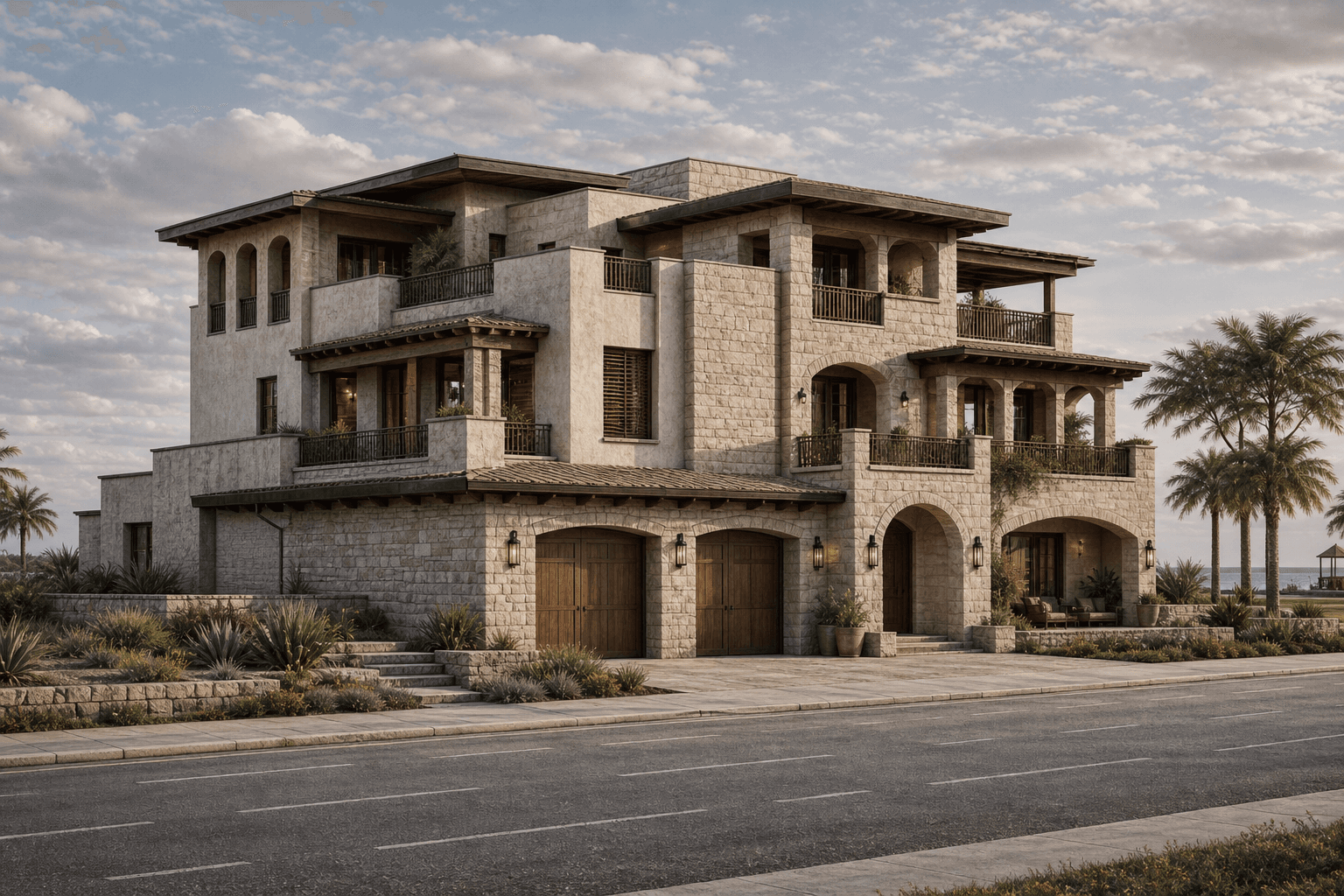
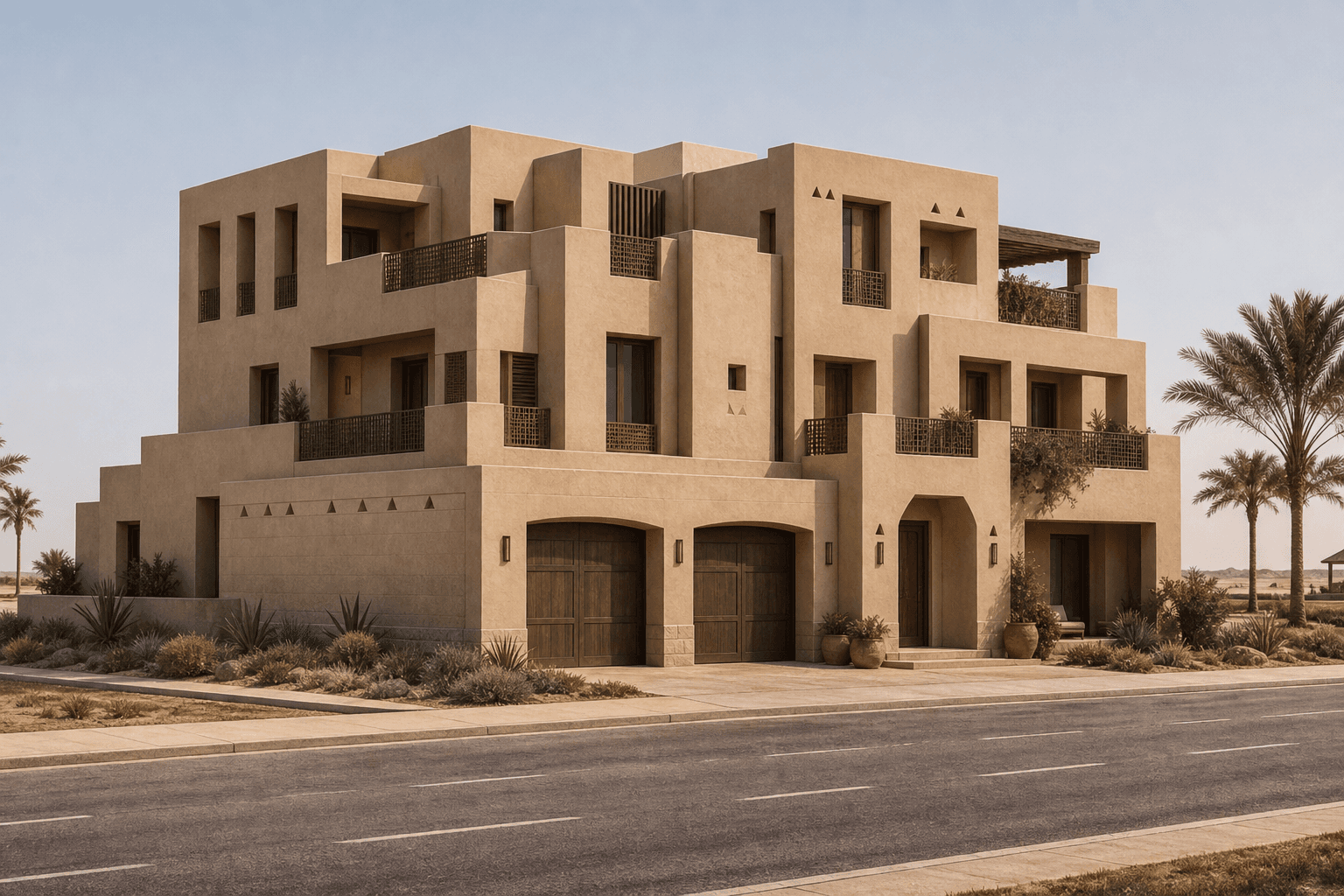
BeforeAfter
What it does
Global Styles in Toscape AI allows architects to transform the facade styles of their projects seamlessly. This feature empowers users to explore various architectural identities without modifying the underlying design structure. By applying different stylistic elements to a building's exterior, architects can visualize and present multiple aesthetic options to clients or stakeholders, enhancing creative flexibility and project appeal.Who it is for
This feature is ideal for architects and interior designers who wish to experiment with facade aesthetics without committing to structural changes. It benefits professionals seeking to offer diverse stylistic presentations to clients, enabling them to make informed decisions about the visual direction of their projects.How to use it
1. Open Toscape AI: Launch the Toscape AI application on your Windows desktop. 2. Select Your Project: Navigate to the project you wish to modify. 3. Access Global Styles: Within the Advanced Render category, locate the 'Global Styles' option. 4. Choose a Style: Browse through the available facade styles in the restyle library. 5. Apply the Style: Select your desired style and apply it to see the transformation. 6. Review and Save: Review the new facade style and save the changes if satisfied.Workflow note
Using Global Styles requires 5 credits per use. Ensure that your account has sufficient credits before proceeding. The feature operates within the Toscape AI desktop application, maintaining a seamless and efficient workflow for architects who prefer a desktop-centric design process. No specific account or device handling implications are provided in the current specifications.Try Global Styles on your own device
Run this workflow from the Windows app, then manage plans, releases, and support through Toscape's companion platform.