✦
Standard RenderNight Scene
Transform your designs with atmospheric evening lighting, elevating presentation quality effortlessly.
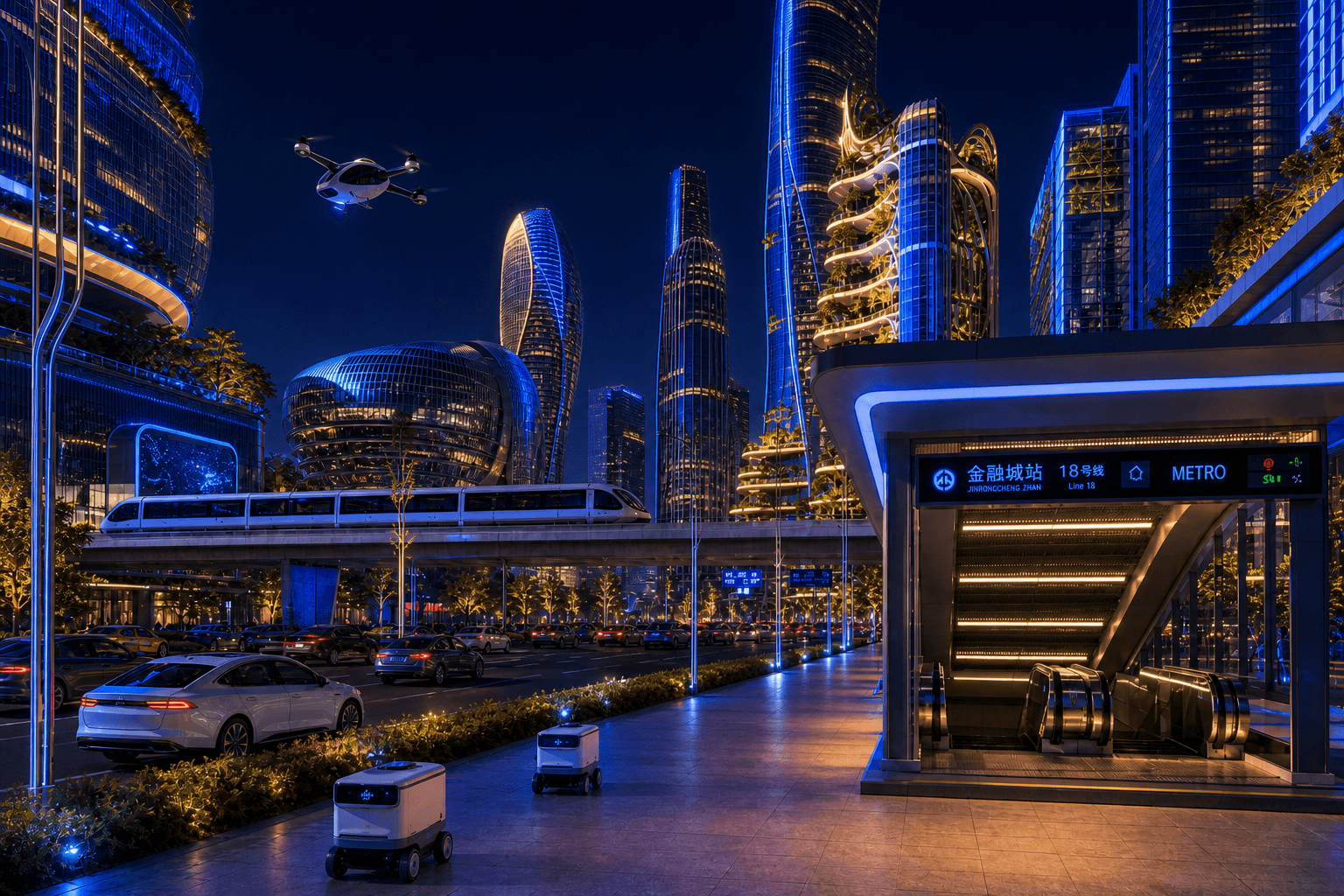

BeforeAfter
What it does
The 'Night Scene' feature in Toscape AI allows architects and interior designers to infuse their designs with realistic evening lighting. This feature enhances the visual appeal of architectural presentations by simulating the nuances of nighttime ambiance. By applying this effect, users can showcase their designs in a new light, literally, highlighting features that might otherwise go unnoticed in standard daylight renders.Who it is for
'Night Scene' is ideal for architects and interior designers seeking to present their projects in a more dynamic and engaging manner. Whether you're working on residential, commercial, or public space designs, this feature helps you create compelling visual narratives that capture the imagination of clients and stakeholders.How to use it
1. Open Toscape AI: Launch the Toscape AI application on your Windows desktop. 2. Select Your Project: Navigate to your project file you wish to render with an evening scene. 3. Access Rendering Options: Within the project interface, locate the 'Standard Render' category. 4. Choose 'Night Scene': Select the 'Night Scene' option from the list of available rendering features. 5. Apply and Render: Confirm your choice and initiate the rendering process. Each use of this feature will deduct 3 credits from your account. 6. Review and Export: Once rendering is complete, review the output and export the file as needed for presentations or client reviews.Workflow note
The 'Night Scene' feature is part of Toscape's desktop application suite, ensuring your design files remain securely on your device during the rendering process. Credits are managed through your Toscape account, allowing for seamless integration and usage tracking without unnecessary data transfers.Try Night Scene on your own device
Run this workflow from the Windows app, then manage plans, releases, and support through Toscape's companion platform.