✦
Advanced RenderFinishLab
Effortlessly explore material finishes to perfect facade designs with FinishLab.
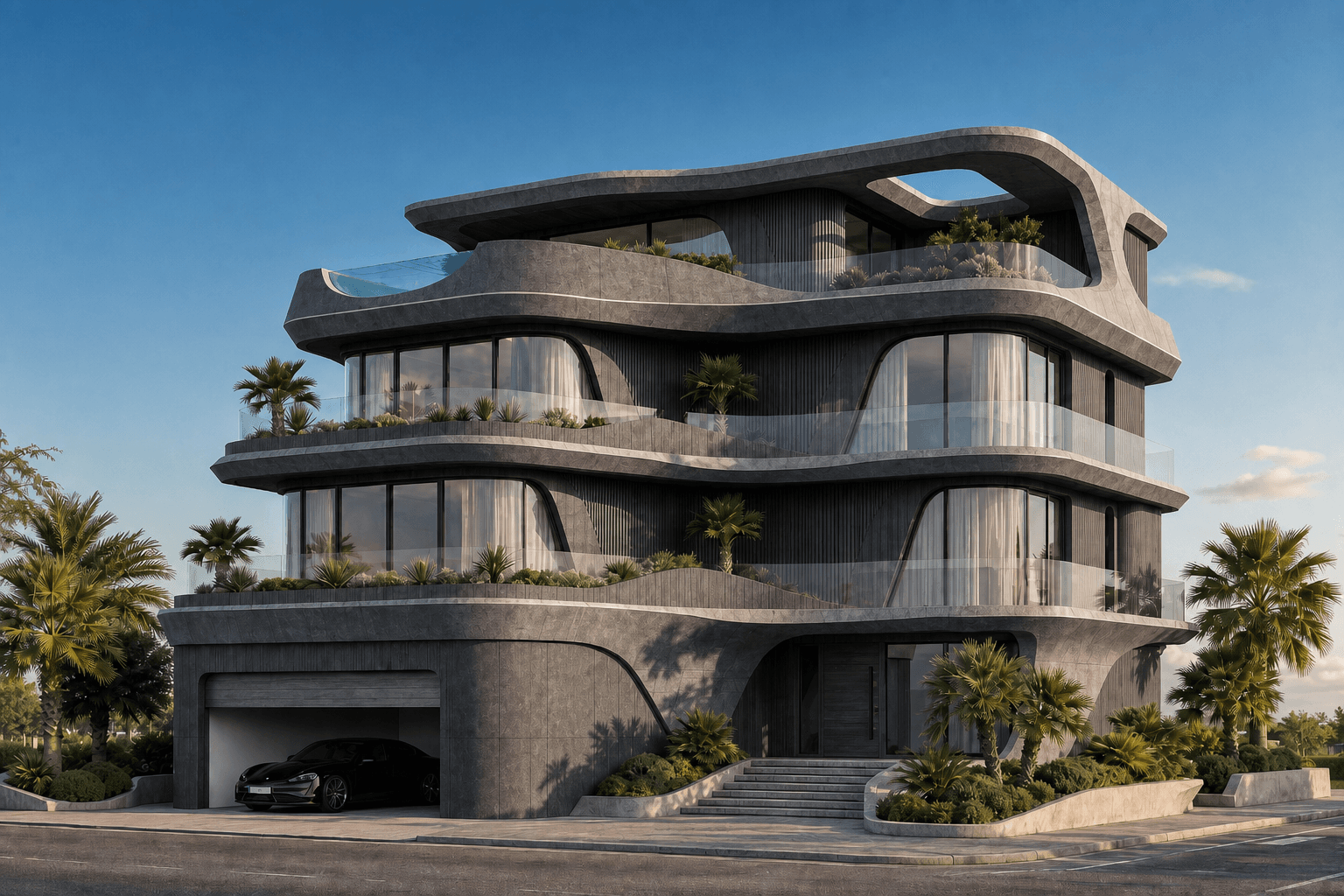
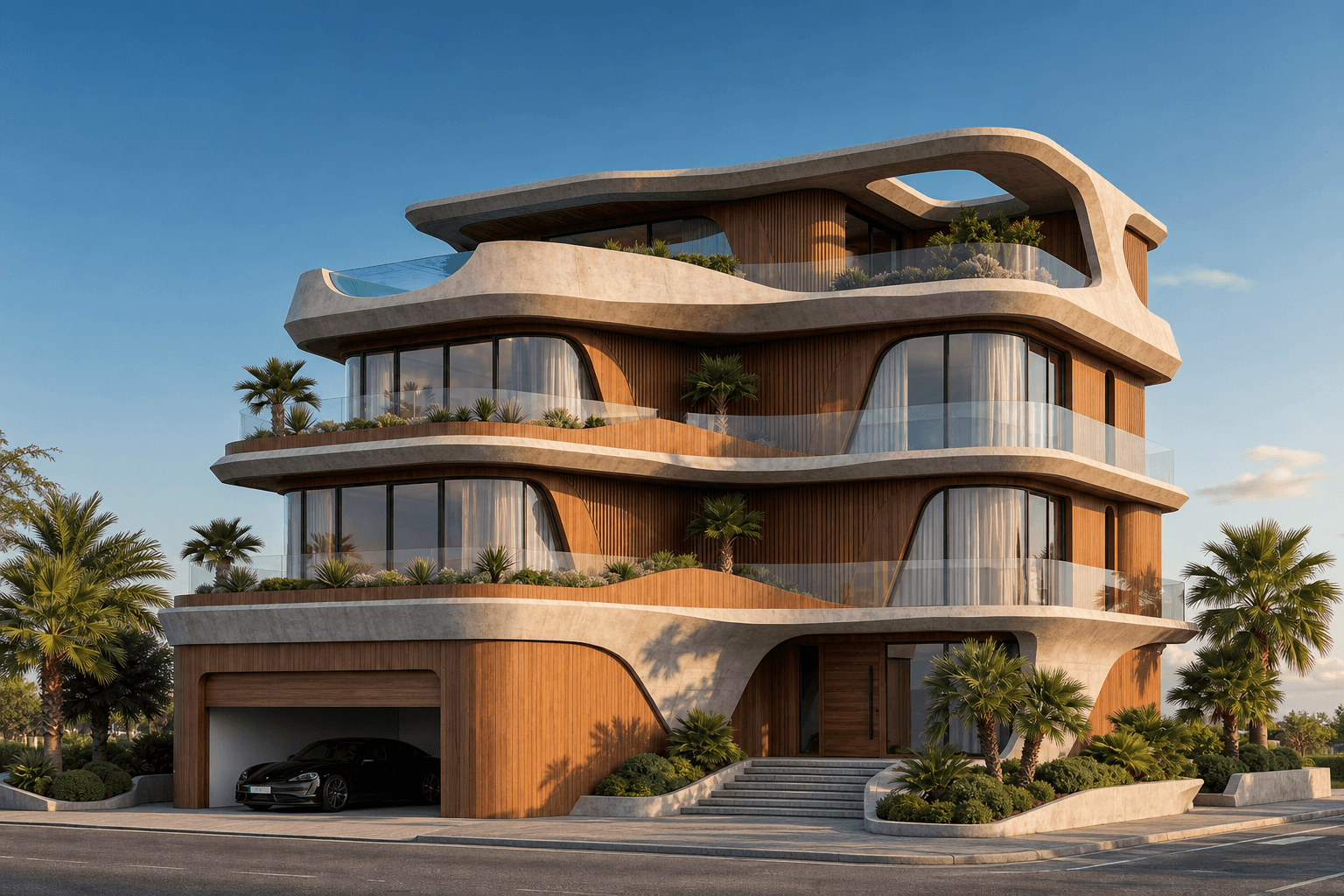
BeforeAfter
What it does
FinishLab empowers architects to instantly visualize and compare diverse material finishes on building facades. This feature allows for precise refinement of design aesthetics, enhancing the decision-making process with high-quality render outputs. By simulating various materials, architects can ensure their designs meet both aesthetic and functional requirements.Who it is for
FinishLab is designed for architects and interior designers who wish to explore material variations without the need for time-consuming manual renderings. It is ideal for professionals seeking to enhance their design presentations and streamline their workflow.How to use it
1. Open Toscape AI: Launch the Toscape AI application on your Windows desktop. 2. Select FinishLab: Navigate to the 'Advanced Render' category and select 'FinishLab'. 3. Upload Your Design: Import your facade design into the application. 4. Choose Material Variants: Use the 'material-variants' feature to select from a range of material finishes. 5. Render and Compare: Click 'Render' to generate high-quality visualizations of your design with different materials. Compare results side-by-side. 6. Finalize Design: Choose the optimal material finish for your project.Workflow note
FinishLab operates within the Toscape AI desktop application, ensuring a seamless integration into your existing workflow. Each use of FinishLab requires 5 credits, which are managed through your Toscape account. Ensure your account is credited to utilize this feature effectively.Try FinishLab on your own device
Run this workflow from the Windows app, then manage plans, releases, and support through Toscape's companion platform.