Quality Boost
Instantly enhance image clarity and fix presentation flaws, optimizing your workflow.
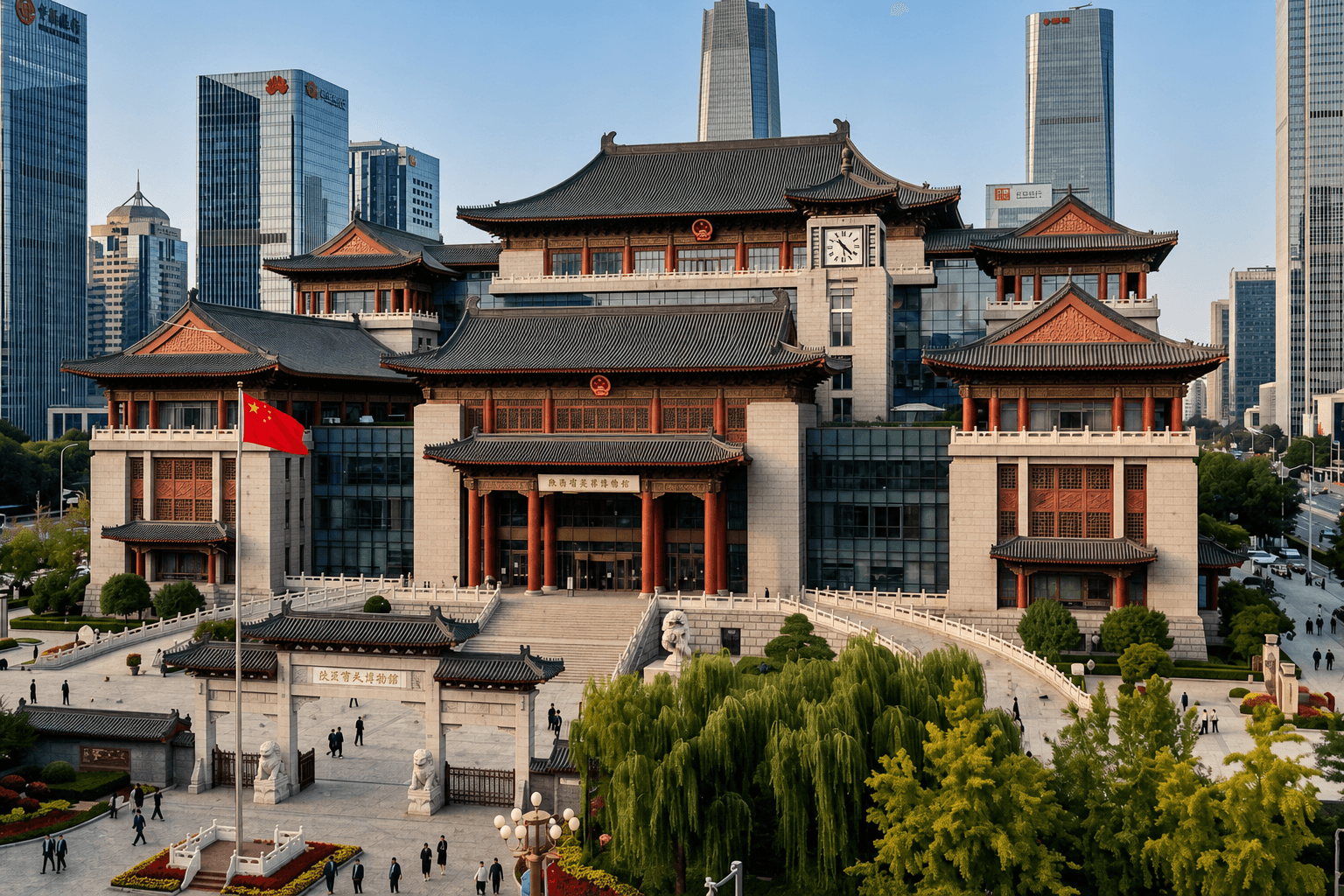
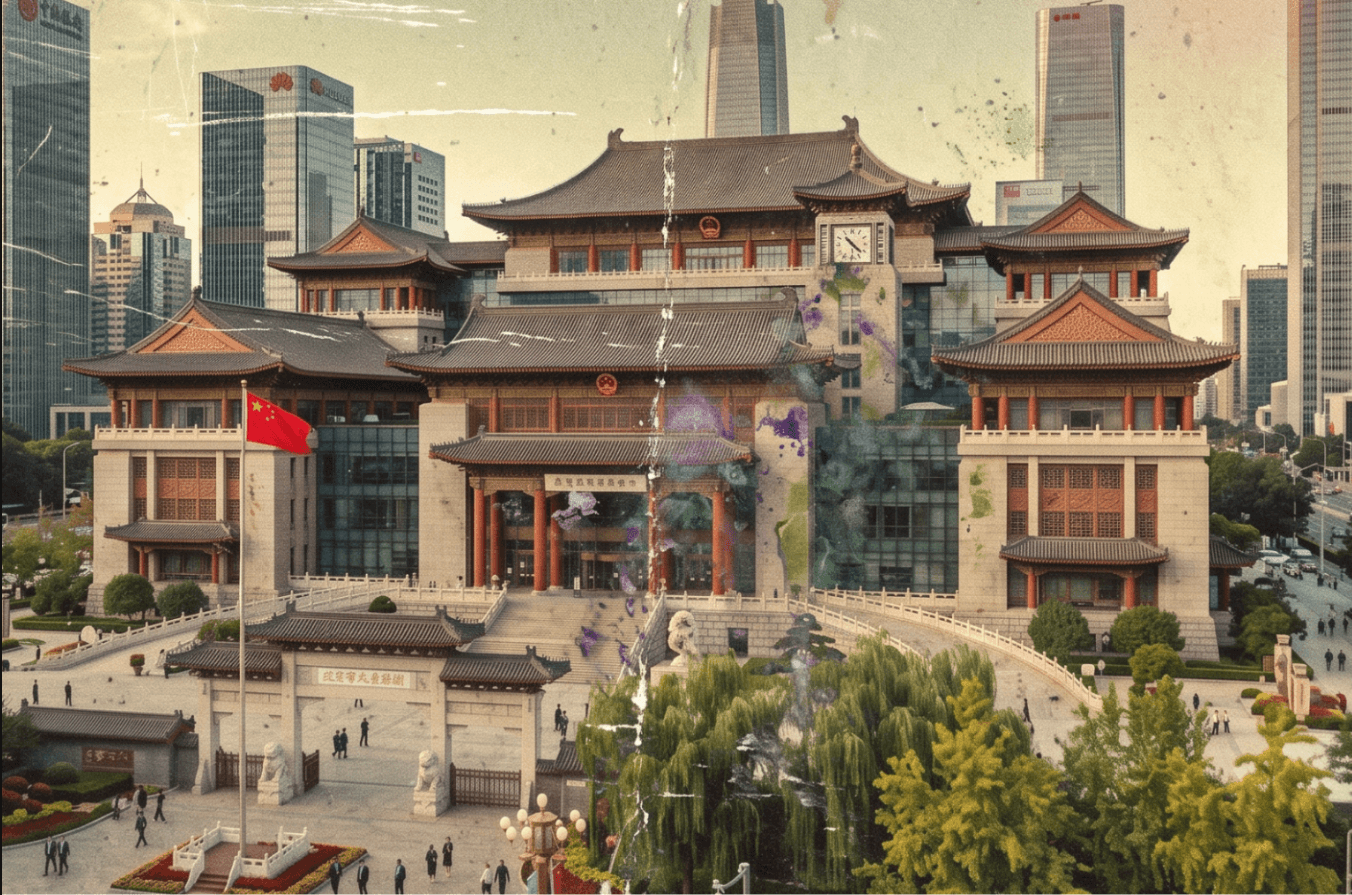
What it does
The "Quality Enhance" feature in Toscape AI is designed to elevate the clarity and presentation of your architectural images. By using advanced enhancement algorithms, it refines the details and corrects imperfections, saving you the hassle of re-rendering. This tool ensures your visuals are always presentation-ready, enhancing both the aesthetic appeal and professional quality of your work.
Who it is for
This feature is ideal for architects and interior designers who require high-quality visual presentations. Whether you're preparing for client meetings, portfolio showcases, or design reviews, "Quality Enhance" provides the polish your images need to stand out.
How to use it
- Open Toscape AI: Launch the Toscape AI application on your Windows desktop.
- Select Image: Navigate to the image you wish to enhance within your project files.
- Access Quality Enhance: Click on the "Quality Enhance" option in the enhancement category.
- Apply Enhancement: Confirm the use of one credit to enhance the image. The process is quick and automatic.
- Review and Save: Once the enhancement is complete, review the improved image and save it to your desired location.
Workflow note
The "Quality Enhance" feature operates within the Toscape AI desktop application, ensuring a seamless integration into your existing workflow. Each enhancement uses one credit, and the process is designed to be efficient, requiring minimal input from the user. Ensure your account has sufficient credits to utilize this feature effectively.
Try Quality Boost on your own device
Run this workflow from the Windows app, then manage plans, releases, and support through Toscape's companion platform.