✦
Standard RenderAI Re-Render
Transform drafts into stunning visuals effortlessly, enhancing your design process.
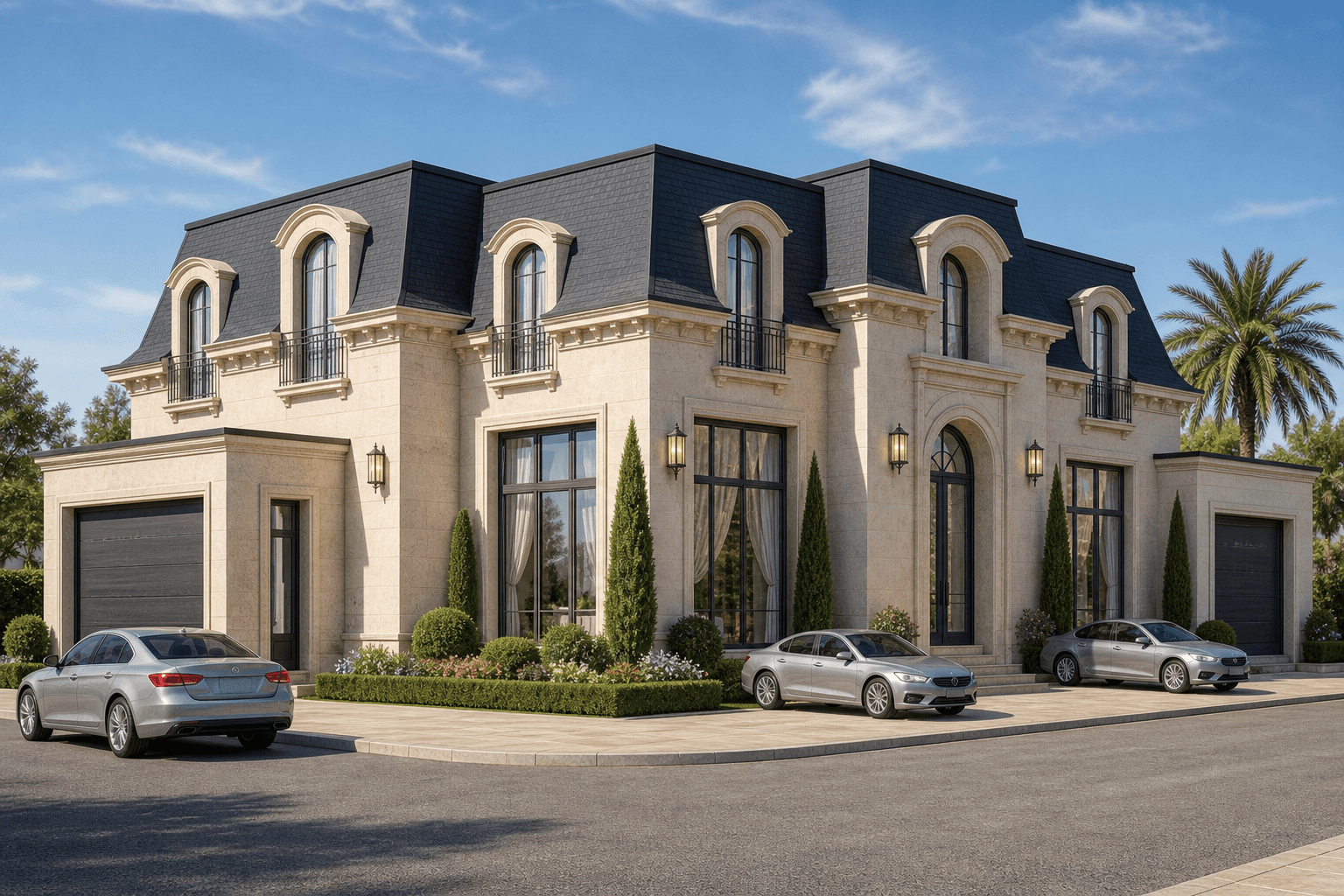
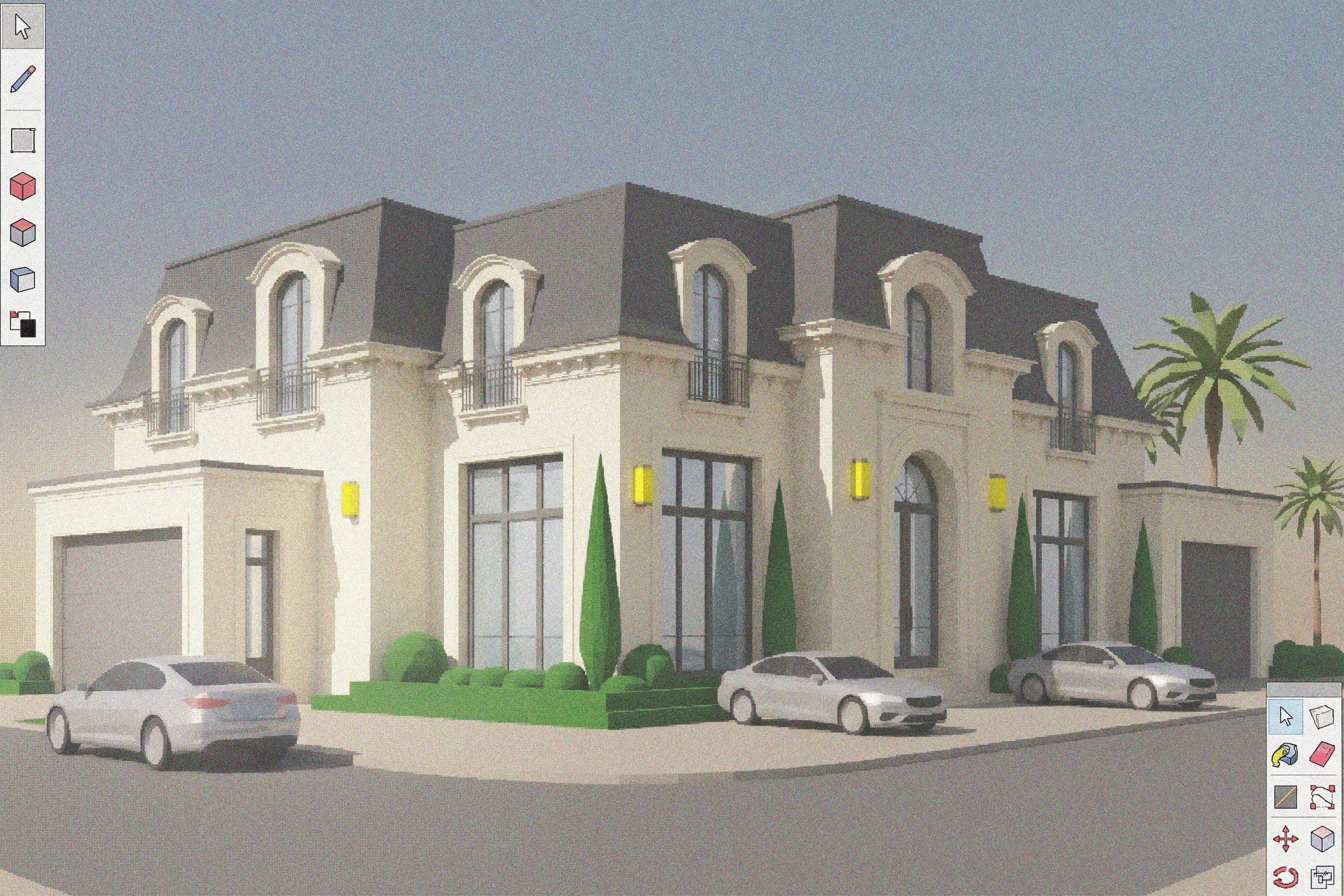
BeforeAfter
What it does
The AI Re-Render feature in Toscape AI allows architects and interior designers to transform their initial drafts into high-quality, visually stunning renderings. This feature seamlessly integrates into your workflow, providing an efficient way to elevate your design presentations without the need for complex rendering setups.Who it is for
AI Re-Render is designed for architects and interior designers who seek to enhance their design presentations with minimal effort. Whether you're working on residential, commercial, or interior projects, this feature provides a straightforward solution to achieve professional-grade visuals.How to use it
1. Open your project: Launch the Toscape AI application and load the draft you wish to enhance. 2. Select AI Re-Render: Navigate to the 'Standard Render' category and choose 'AI Re-Render'. 3. Initiate rendering: Click the 'Render' button. The process will consume 3 credits per use. 4. Review output: Once rendering is complete, view the enhanced visuals and make any necessary adjustments.Workflow note
The AI Re-Render feature operates within the Toscape AI desktop application, ensuring a seamless integration into your existing workflow. The feature is designed to function efficiently on your device, providing a reliable and consistent rendering experience.Try AI Re-Render on your own device
Run this workflow from the Windows app, then manage plans, releases, and support through Toscape's companion platform.