✦
Advanced RenderRegional Styles
Effortlessly integrate authentic regional styles into your designs, enhancing local identity.
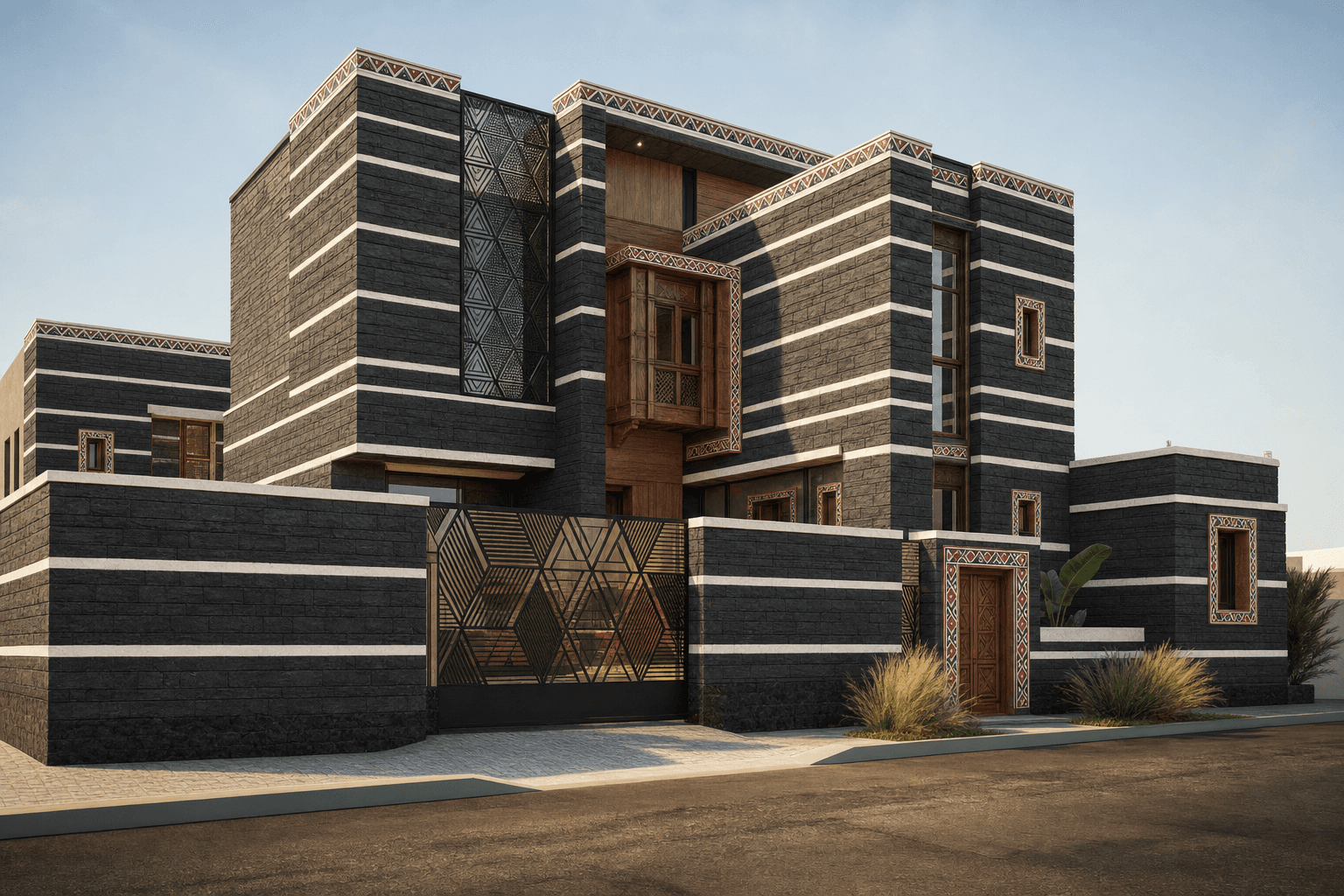
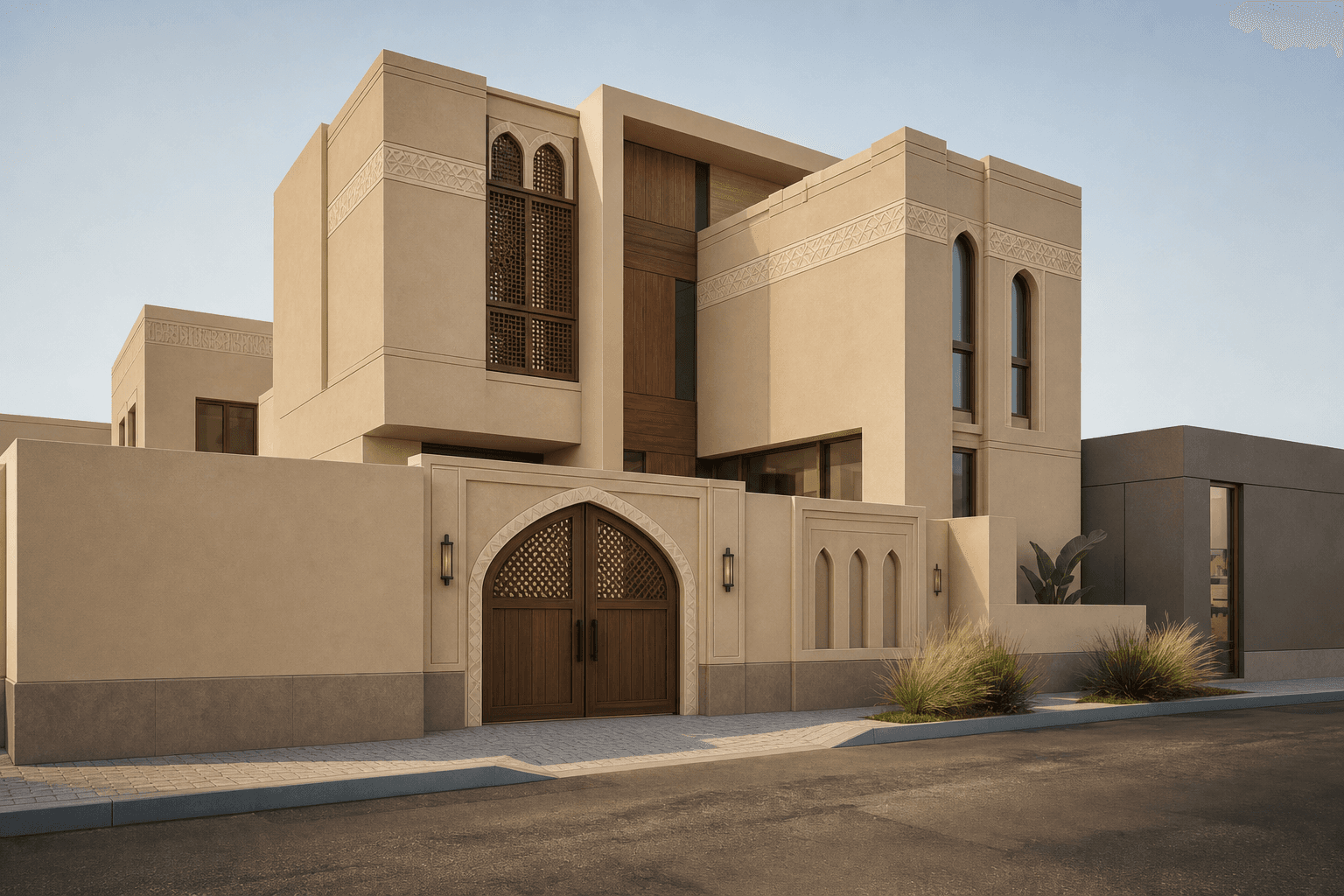
BeforeAfter
What it does
The 'Regional Styles' feature in Toscape AI allows architects and interior designers to seamlessly incorporate authentic regional aesthetics into their projects. By leveraging this feature, users can align their designs with the cultural and architectural nuances of specific locales, ensuring that their projects resonate with the intended audience and environment.Who it is for
This feature is ideal for architects and interior designers who work on projects that require a deep understanding of local styles and cultural elements. Whether you are designing a residential building, a commercial space, or a public structure, 'Regional Styles' helps you tailor your designs to reflect the unique characteristics of the region.How to use it
1. Open Toscape AI: Launch the Toscape application on your Windows desktop. 2. Navigate to Advanced Render: Access the 'Advanced Render' category from the main menu. 3. Select Regional Styles: Choose 'Regional Styles' from the list of available features. 4. Choose a Region: Browse through the list of available regions and select the one that matches your project’s location. 5. Apply Styles: Click on 'Apply' to integrate the selected regional style into your design. 6. Review and Edit: Review the changes and make any necessary adjustments to ensure the design meets your vision.Workflow note
Each use of the 'Regional Styles' feature requires 5 credits, which are deducted from your Toscape account. Ensure you have sufficient credits before applying regional styles. The workflow is designed to be seamless within the desktop application, with no indication of external data handling or cloud processing involved.Try Regional Styles on your own device
Run this workflow from the Windows app, then manage plans, releases, and support through Toscape's companion platform.